

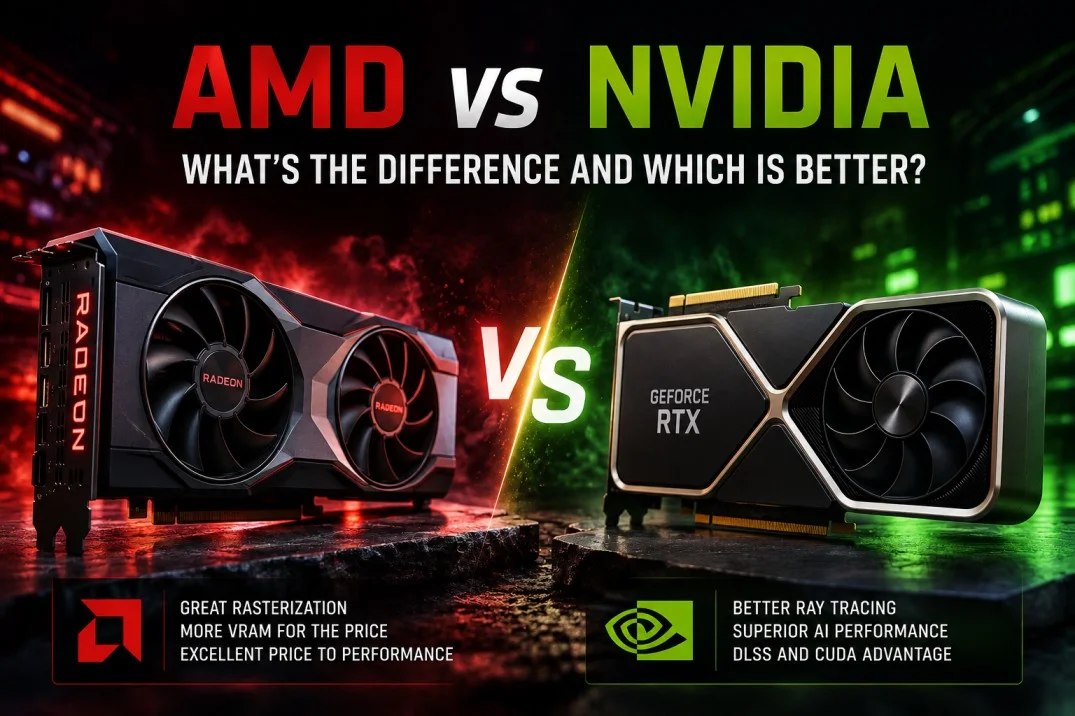
Scroll through any PC building forum and you’ll find the same argument on repeat: AMD vs NVIDIA GPUs. AMD makes Radeon cards. NVIDIA makes GeForce. Both companies build genuinely good hardware, but they’ve taken different bets on where to spend their engineering budget and that shows up the moment you start comparing specs.
Raw speed was never really the story here. Line up an RX 7800 XT against an RTX 4070 and AMD often comes out ahead on rasterization for the money. Flip on ray tracing, though and NVIDIA usually pulls away sometimes by a wide enough margin that it changes which card actually makes sense for you. NVIDIA also carries a real edge in AI acceleration, backed by CUDA, DLSS and Tensor Cores, three things AMD is still catching up to piece by piece.
That AI gap matters more than most buyers expect. NVIDIA’s CUDA ecosystem has been the default for machine learning frameworks for years now most tools assume you’re running it. AMD’s answer, ROCm, has gotten a lot better on supported Radeon hardware, but “supported” is doing some heavy lifting in that sentence.
Key Differences at a Glance

GPU Architecture
AMD builds its RDNA architecture around Compute Units, a design that prioritizes gaming throughput and power efficiency over anything else. Later RDNA generations bolted on Ray Accelerators for lighting and reflections, plus AI Accelerators for select workloads. ROCm ties the software side together, letting supported Radeon cards handle machine-learning tasks, though which cards count as “supported” changes generation to generation.
NVIDIA’s approach looks different from the ground up. RT Cores handle ray-tracing math, Tensor Cores handle AI operations and both sit alongside standard rendering hardware on the same die. That’s a lot of specialized silicon and it’s part of why NVIDIA GPUs cost what they cost. The payoff is CUDA, a software platform mature enough that entire industries (film rendering, scientific computing, machine learning) were built around assuming NVIDIA hardware.
AMD vs NVIDIA for Gaming
Both Radeon and GeForce cards can absolutely play well. Which one wins depends on your target resolution, whether ray tracing matters to you and honestly, what’s on sale.
Rasterization Performance
Rasterization rendering 3D scenes the traditional way, without simulated light rays still decides frame rates in most games people actually play. AMD tends to do well here. The RX 7700 XT trades blows with NVIDIA’s RTX 4060 Ti at 1440p, frequently for less money. NVIDIA holds its own too and closes the gap fast once DLSS and ray tracing enter the picture.
There’s no universal winner in this category. Pull up benchmarks for the two specific cards you’re deciding between, at your actual target resolution brand-level comparisons don’t tell you much.
Ray Tracing Performance
Ray tracing simulates how light actually bounces around a scene, which is why reflections and shadows look so much more convincing with it on. Both companies build dedicated hardware for it AMD’s Ray Accelerators, NVIDIA’s RT Cores but NVIDIA’s version is simply faster at comparable price points right now. DLSS helps claw back the frame rate ray tracing tends to eat, which widens NVIDIA’s advantage further.
If ray tracing is genuinely a priority for you, NVIDIA is the safer pick. Not close, honestly.
Upscaling and Frame Generation
Upscaling renders a game at a lower resolution internally, then reconstructs a higher-resolution image from that more FPS, without gutting visual quality (in theory).
AMD’s FSR runs on almost anything, including older GPUs and even NVIDIA cards. NVIDIA’s DLSS is AI-driven and tends to look sharper in side-by-side comparisons, but it only runs on NVIDIA hardware. Both companies also ship frame-generation tech now, which can inflate displayed frame rates in supported titles. Actual results still swing a lot depending on the game and which version of the tech you’re running.
1080p vs 1440p vs 4K Gaming

At 1080p, a mid-range card from either brand handles most games fine; the CPU matters more at that point. At 1440p is where the AMD-vs-NVIDIA debate actually gets interesting, since a stronger GPU starts paying off. At 4K, GPU power and VRAM stop being nice-to-haves and start being requirements.
AMD vs NVIDIA for AI and Machine Learning
For AI work, the software matters just as much as the silicon, maybe more. NVIDIA’s ecosystem is simply more mature. AMD is closing the gap, but it’s closing it from behind.
CUDA vs ROCm
CUDA is NVIDIA’s GPU computing platform and it has broad, practically default-level support across AI frameworks and applications. ROCm is AMD’s answer to the same problem. It works well on the specific hardware it’s built for, but CUDA’s compatibility is still wider by a noticeable margin if you’re pulling a random project off GitHub, odds are good it assumes CUDA.
AMD vs NVIDIA for Local AI
For running AI models locally, NVIDIA is generally the path of least resistance, since most AI tools support CUDA out of the box. AMD can absolutely run local AI through ROCm, but expect more trial and error driver versions, GPU-specific quirks, that kind of thing.
Choose NVIDIA if broad compatibility matters to you. Consider AMD only if your specific AI software already has confirmed ROCm support.
AMD vs NVIDIA Graphics Cards: VRAM and Memory
VRAM decides how much graphical and AI data a GPU can hold at once. When you’re comparing AMD vs NVIDIA graphics cards, both the VRAM number and the memory bandwidth behind it matter.
VRAM Capacity
VRAM is dedicated memory a GPU uses to store textures, models and whatever else it’s processing at the moment. More of it helps with high-resolution gaming and larger AI workloads. AMD tends to be generous here; the RX 7600 XT ships with 16GB, for example, while NVIDIA’s comparable RTX 4060 Ti caps at 8GB unless you pay up for the pricier 16GB version. Still, don’t shop by capacity alone compare the actual cards you’re weighing against each other.
Why VRAM Matters for Gaming and AI
For gaming, enough VRAM means smoother performance at 4K, with high-resolution textures and demanding settings intact. Run short on VRAM and you’ll see stuttering or certain settings simply won’t be selectable.
For AI, VRAM matters even more, since the model itself and its working data both need to fit in GPU memory at once. A card with enough VRAM can handle bigger models without falling back on system RAM, which is dramatically slower.
Pros and Cons
AMD GPU Pros and Cons

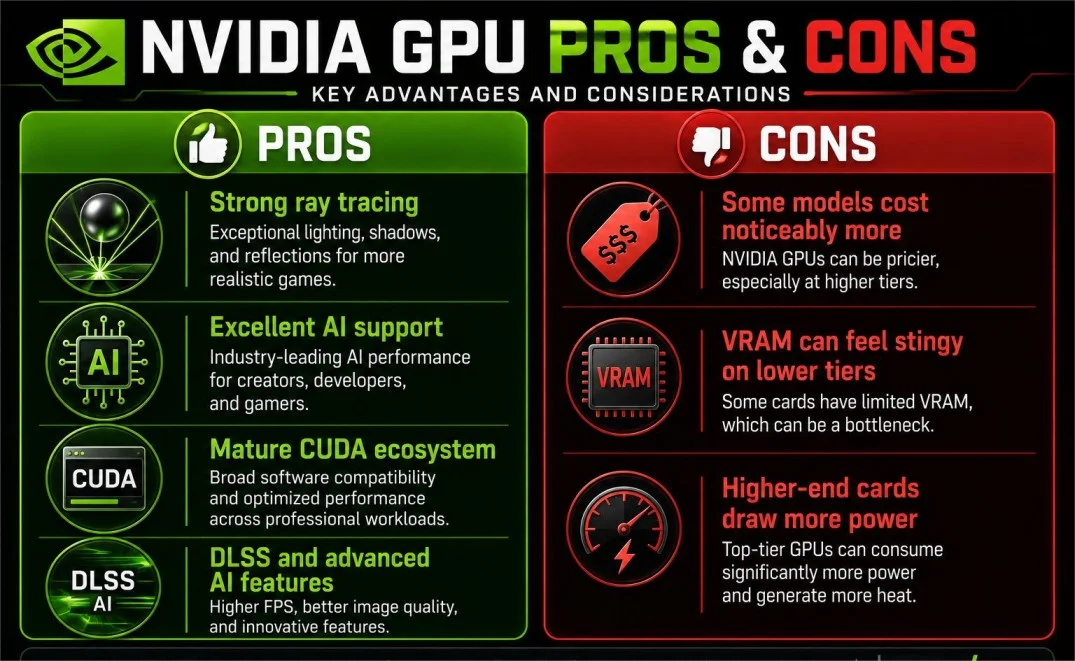
NVIDIA GPU Pros and Cons
Which Should You Buy?

Final take: go AMD if gaming value and rasterization are what you actually care about. Go NVIDIA if ray tracing, AI work or CUDA support are non-negotiable for you. Beyond that, it really comes down to your budget and whatever specific models are actually in stock when you’re buying.
Frequently Asked Questions
Is AMD or NVIDIA better for gaming?
Both hold up well. AMD usually wins on value; NVIDIA usually wins once ray tracing and AI features enter the picture.
Which is better for AI?
NVIDIA, pretty clearly the CUDA ecosystem is just too far ahead right now.
Is NVIDIA better for ray tracing?
Yes. NVIDIA typically delivers stronger ray-tracing performance and it’s not a small gap.
Does AMD have an alternative to CUDA?
Yes ROCm. It’s AMD’s platform for GPU computing and AI workloads and it’s improving, though it’s still behind CUDA in raw compatibility.
Which GPU is better for local AI?
NVIDIA is usually the easier route thanks to broader CUDA compatibility. AMD works fine too, as long as your specific tools already support ROCm.
Conclusion
Choosing between AMD vs NVIDIA GPUs ultimately comes down to what you’ll actually be doing with the card, not which brand has the bigger reputation. Gamers focused on rasterization performance and value will often find AMD’s Radeon lineup hard to beat, while anyone leaning on ray tracing, AI-assisted upscaling or CUDA-based workloads will likely get more out of NVIDIA’s GeForce cards. Skip the brand loyalty and compare the specific models you’re considering at your target resolution, budget and workload that’s genuinely where the real differences show up.

Zafar Iqbal is a content and blog writer specializing in technology, artificial intelligence, software and digital trends. He holds a Master’s degree in English Literature from the University of the Punjab, Lahore, which shapes his approach to clear, well-structured writing. Zafar focuses on breaking down complex technical subjects into content that is easy to follow without sacrificing accuracy or depth. His work draws on careful research, attention to detail and a practical understanding of SEO content strategy and keyword research ensuring articles are both informative and easy to find. He is particularly interested in how emerging technologies affect everyday users and works to present that information in a way that is useful rather than overwhelming. His writing aims to give readers a clear, reliable understanding of the topics that shape modern technology.
Leave a Reply